Creating a Playbook
Explore the various ways to create a new Playbook
Create a Playbook from scratch
On the navigation panel on the left, click on Library.
Click on + New.
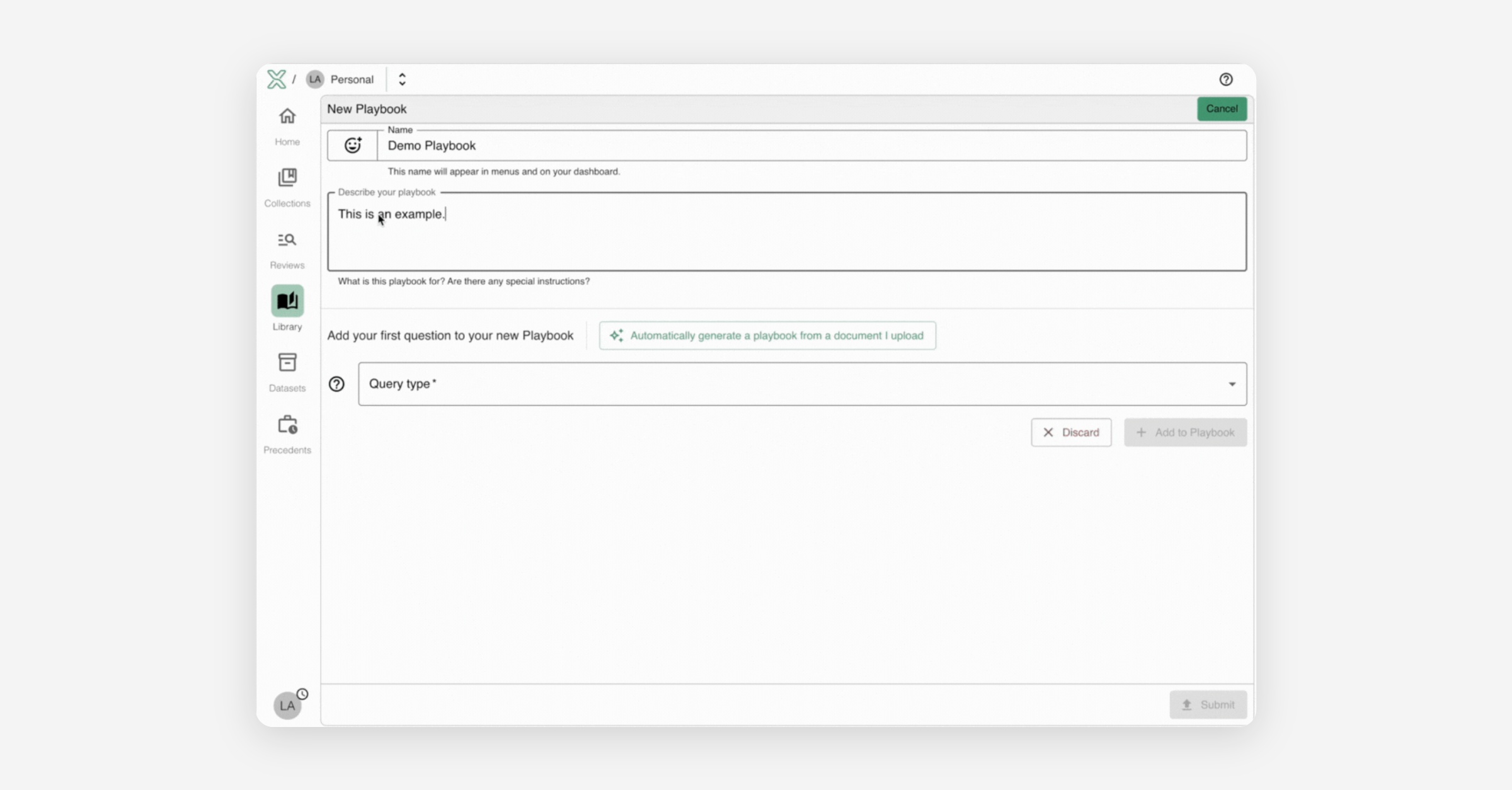
Input the name and description for your Playbook.
Add your queries.
Click submit
Walkthrough:
Create a Playbook from an existing checklist
On the navigation panel on the left, click on Library.
Click on + New.
Click Auto-Generate a Playbook.
Upload your file.
Once your document has finished uploading, the extracted questions will appear in your playbook.(Optional) Add additional queries
Click submit.
Walkthrough:
Create a Playbook using a Starter Kit
On the navigation panel on the left, click on Library.
Click on + New.
Select Use a Starter Kit.
Starter Kits are Playbooks prebuilt by the Lext team for common legal document formats. Read more here.(Optional) Add additional queries
Click Submit.
Was this helpful?